A purpose-built pelican scene containing smooth sky gradients, individual feathers, bicycle spokes, text, foliage, reflections, and saturated flowers.
Open, reproducible benchmark
How well does our in-browser image compressor actually work?
Run the production compressor against a memorable pelican test image and ten licensed CID22 references. The benchmark reports whether each file reaches 50KB, 100KB, and 200KB targets, what dimensions survive, how long encoding takes, and a disclosed scaled RGB PSNR estimate.
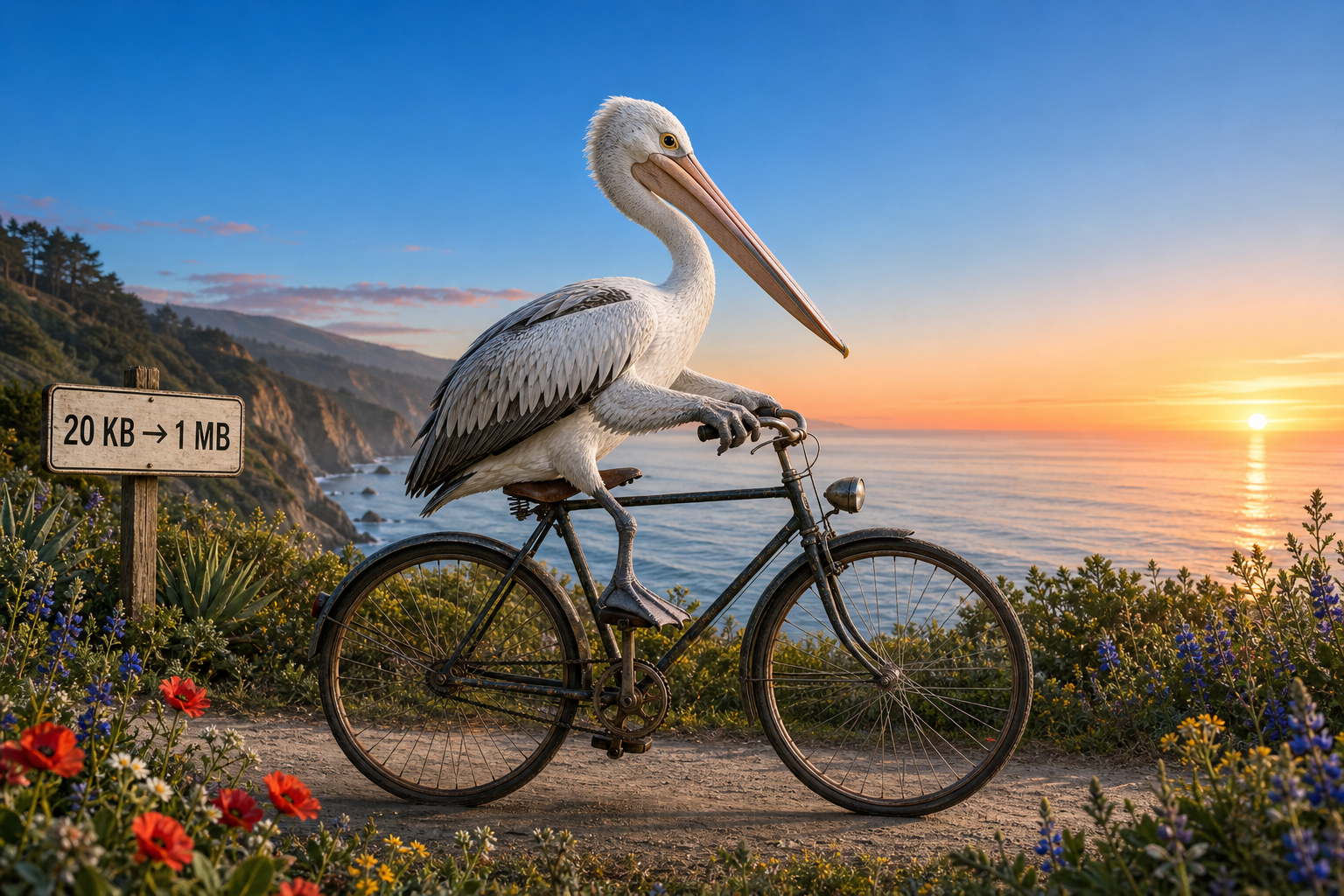
Two complementary test sets
The showcase makes artifacts easy to discuss. The CID22 subset prevents one hand-picked image from deciding the result.
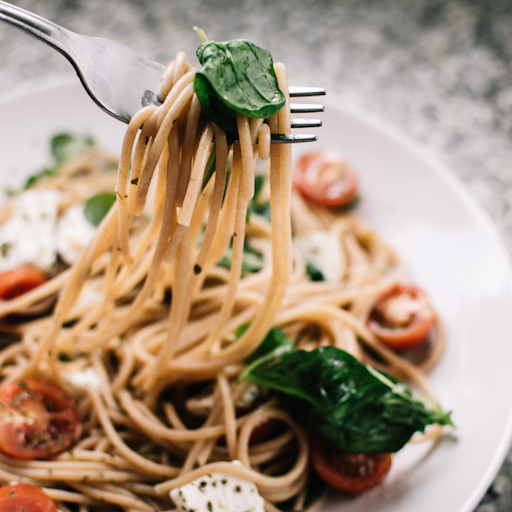
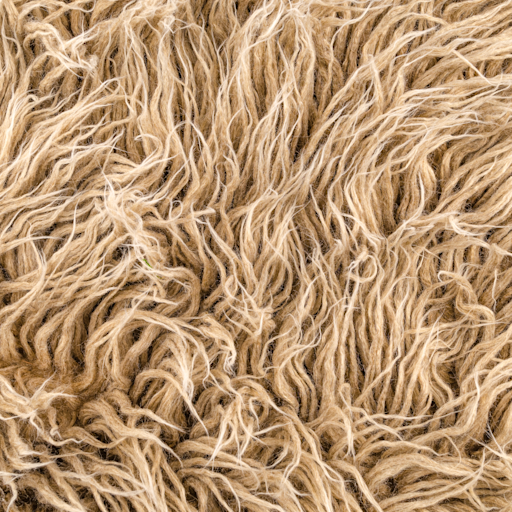
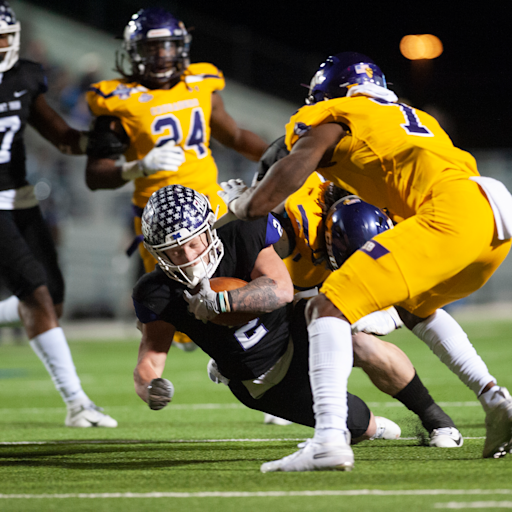
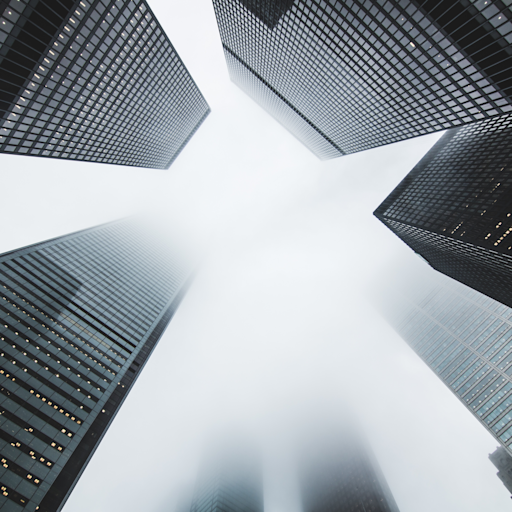
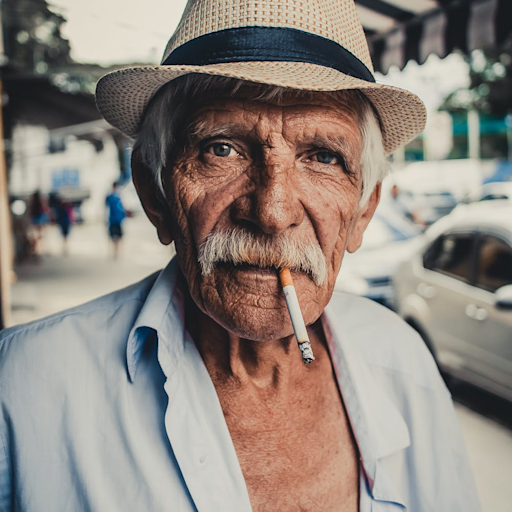
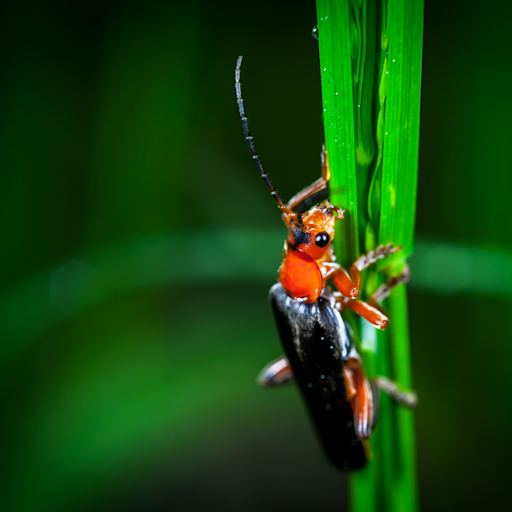
Ten references selected from CID22's 49-image validation set to cover photography, text, graphics, texture, motion, architecture, portraiture, and transparency.
Live reproducible test
Run the actual in-browser compressor
This runs the same compression function used by the target-KB tools. Nothing is uploaded. Results vary by browser because JPG and WebP encoding are browser APIs.
Algorithm v2 · Chromium · July 2026
The target-aware search uses substantially more of the quality budget
The original fixed-step optimizer accepted the first encode under the limit. The current optimizer searches quality and, when necessary, dimensions to find a better result without crossing the maximum.
Targets reached60 / 60
Mean target distance17.0%
Previous distance42.9%
Mean scaled RGB PSNR42.7 dB
| Target | JPG before → after | WebP before → after | Interpretation |
|---|---|---|---|
| 50KB | 44.2KB → 49.2KB | 37.1KB → 48.8KB | Both formats now finish close to the cap. |
| 100KB | 66.0KB → 95.2KB | 50.6KB → 83.5KB | Quality search recovers much of the unused budget. |
| 200KB | 70.7KB → 147.8KB | 55.5KB → 99.3KB | Some maximum-quality outputs are naturally below 200KB; the tool does not upscale them just to add bytes. |
Mean encode time increased from about 17ms to 156ms because the optimizer performs a bounded search. Environment: Chromium-based in-app browser on macOS. These values are a published baseline, not universal browser results; use the live runner above for the current device.
Benchmark corpus



Methodology and limitations
- Every source begins as a lossless PNG and is processed by the same
compressImageToTargetfunction used on this site. - Each image is encoded as JPG and WebP toward 50KB, 100KB, and 200KB, starting at 92% encoder quality.
- The current optimizer binary-searches JPG or WebP quality first, then searches dimensions when the quality floor cannot meet the target. PNG uses dimension search because browser PNG encoders ignore quality controls.
- Scaled RGB PSNR is calculated after both images are rendered at the same 192px reference width. It is useful for local regression checks, but it is not SSIMULACRA 2, does not fully measure detail lost through dimension reduction, and is not a substitute for human judgment.
- Encoding is performed by the current browser, so byte sizes and timings can differ between browser engines, versions, devices, and operating systems.
Version 1.1 · Updated July 2026. Future optimizer changes should rerun the same corpus rather than replacing difficult images.
Dataset license and attribution
The ten CID22 images are adapted from the Cloudinary Image Dataset ’22 validation references by Jon Sneyers, Elad Ben Baruch, and Yaron Vaxman, licensed under CC BY-SA 4.0. The pelican showcase image was created for PrivateBrowserTools.